
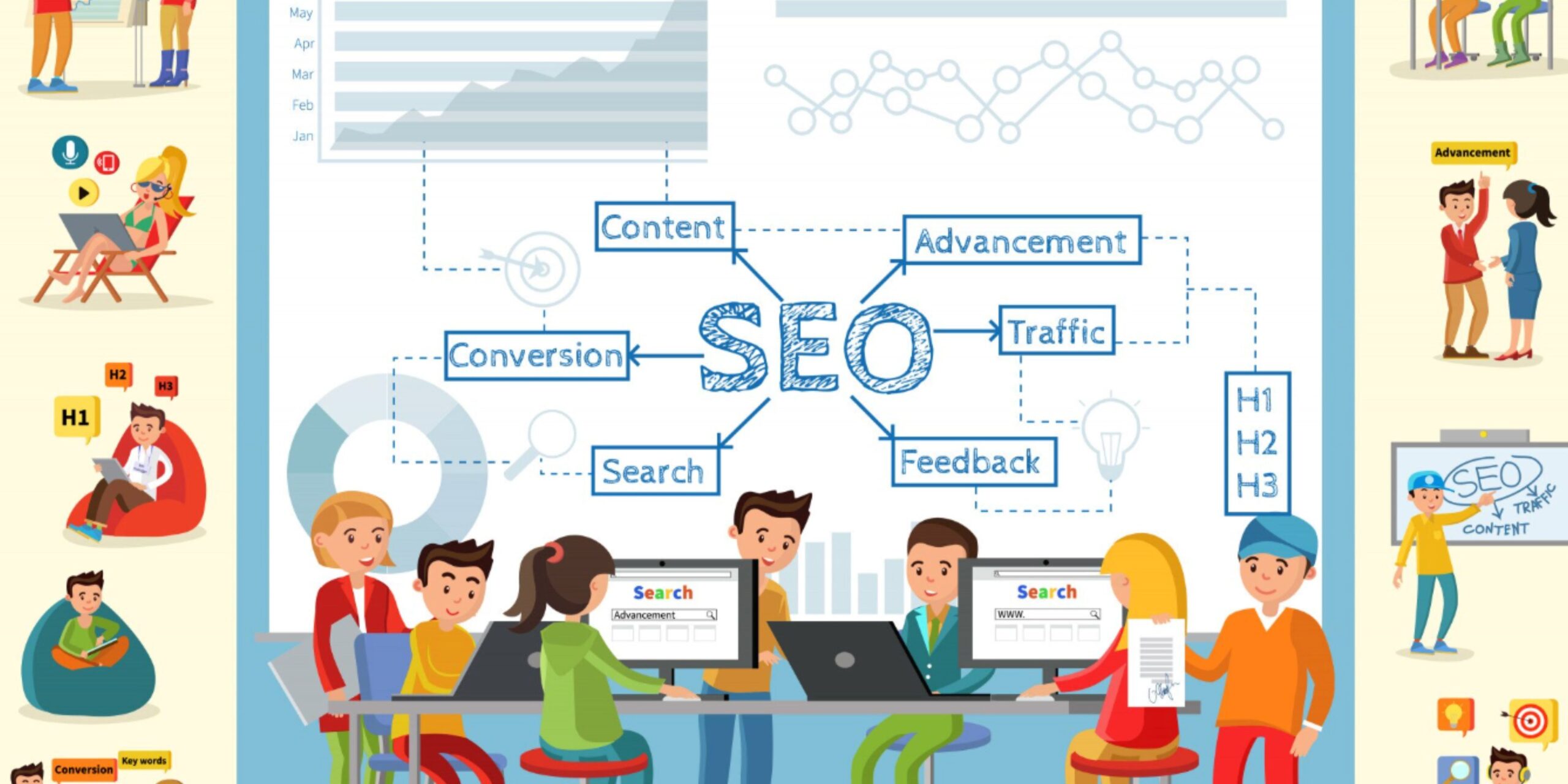
Introduction: Why a technical SEO checklist matters
Technical SEO is the foundation that allows your content to be discovered, crawled, indexed, and ranked. Even the best content will struggle to rank if search engines cannot access or interpret your pages. This guide gives a practical, prioritized technical SEO checklist you can execute today — whether you manage a small site or an enterprise property. For a deeper primer you can reference a well-rounded technical SEO guide that covers fundamentals and advanced tactics.
The essential technical SEO checklist (prioritized)
1. Ensure crawlability and indexing
What to check:
- Use Google Search Console to identify indexing issues and inspect specific URLs.
- Confirm robots.txt does not block important sections: visit https://yourdomain.com/robots.txt and test in Search Console.
- Ensure pages you expect to be indexed do not contain meta robots noindex tags or X-Robots-Tag headers.
Actionable steps:
- Run a site crawl (Screaming Frog, Sitebulb) and export pages flagged as noindex or blocked.
- For any high-value page flagged as blocked, remove the rule in robots.txt or meta tag and re-request indexing via Search Console.
- Use the “site:” operator for example, if your keyword is SEO Audit (“SEO Audit” site:searchenginemonkey.com) to quickly spot missing pages that should be indexed.
Example: If your product pages are accidentally set to noindex during a template update, revert the change in the CMS and use URL Inspection to request reindexing. This often restores visibility within days.
2. Fix duplicate content and canonicalization
What to check:
- Multiple URLs serving identical or similar content (with/without trailing slash, parameters, http/https).
- Proper rel=canonical tags implemented and pointing to the preferred URL.
Actionable steps:
- Use a crawler to list duplicate page titles and meta descriptions.
- Choose a canonical version (prefer https and www/non-www consistently) and implement rel=canonical.
- Consolidate parameterized URLs by using canonical tags or parameter handling in Search Console.
Example: If your site serves the same content at /product and /product?ref=affiliate, set the canonical of the parameter URL to /product and update internal links to point to the canonical version.
3. Redirects, redirect chains, and 404s
What to check:
- Broken links (404s), redirect chains, and loops.
- Correct use of 301 redirects for permanent moves.
Actionable steps:
- Crawl the site and filter for client and server errors (4xx/5xx) and for URLs that have multiple hops.
- Replace internal links that point to redirected URLs with direct links to the final destination.
- Implement single-hop 301 redirects for moved content and keep redirects in place until traffic drops to negligible levels.
Example: A product page moved to a new slug should redirect directly from old to new with a single 301. Avoid chaining old → interim → new which wastes crawl budget and dilutes link equity.
4. Page speed and Core Web Vitals

What to check:
- Core Web Vitals metrics (LCP, FID/INP, CLS).
- Server response time, render-blocking resources, large images, and unoptimized JavaScript.
Actionable steps:
- Run Lighthouse or PageSpeed Insights to get prioritized suggestions.
- Implement these quick wins: enable gzip/brotli compression, use a CDN, compress and serve images in modern formats (WebP/AVIF), lazy-load below-the-fold images, and defer non-critical JavaScript.
- For CLS, ensure images and embedded iframes have width/height, and reserve space for ad slots using CSS.
Example: Replace several hero JPEGs with optimized WebP versions and preload the hero image. Often this reduces LCP substantially on mobile.
5. Mobile-first and responsive considerations
What to check:
- Mobile usability errors in Google Search Console.
- Content parity between mobile and desktop (no important content hidden on mobile).
Actionable steps:
- Use the mobile-friendly test and review mobile usability reports in Search Console.
- Fix issues such as tiny tap targets, viewport not set, or content wider than the screen.
- Ensure structured data and internal links present on desktop are also available on mobile pages.
Example: A pricing table collapsed into a hidden tab on mobile may prevent Google from indexing that content; instead, use a mobile-friendly accordion that is crawlable.
6. Structured data, sitemaps, and hreflang
What to check:
- Valid JSON-LD structured data and implementation of any site-specific schema (product, FAQ, article).
- An up-to-date XML sitemap referenced in robots.txt.
- Correct hreflang for multi-lingual sites and no conflicting directives.
Actionable steps:
- Validate structured data with the Rich Results Test and track errors in Search Console.
- Generate and submit an XML sitemap that only includes canonical, indexable URLs and update it after major site changes.
- For international sites, implement hreflang with full URLs in each tag and avoid mixing self-referential hreflang errors.
Example: Add Product schema with price, availability, and SKU to high-converting product pages to improve SERP presentation and click-through rate.
7. Security, hosting, and TLS
What to check:
- HTTPS implemented site-wide with valid certificates.
- No mixed content errors that block secure resources.
Actionable steps:
- Ensure the entire site redirects HTTP → HTTPS with a 301 and uses HSTS if appropriate.
- Monitor certificate expiration and enable automatic renewal.
- Fix mixed content by serving all scripts, images, and stylesheets over HTTPS.
Example: A single image referenced via http:// on an otherwise HTTPS page can trigger mixed content errors. Replace the link with an HTTPS or protocol-relative URL.
8. Crawl budget and log file analysis
What to check:
- How often Googlebot visits and which URLs it requests.
- Unexpected spikes in bot activity preventing important pages from being crawled.
Actionable steps:
- Analyze server logs to identify crawl frequency and which bots request large numbers of URLs.
- Remove low-value URLs from indexing and disallow them in robots.txt or mark them noindex to conserve crawl budget.
- Prioritize sitemap submission and internal linking to ensure important pages are crawled more frequently.
Example: If your faceted navigation produces thousands of parameter combinations being crawled, add sitemap priority to canonical pages and disallow or noindex parameterized views.
Internal linking: structure and best practices
Internal links help distribute authority and guide search engines through your site. Use a clear silo structure, logical breadcrumbs, and contextual anchor text for user and crawler clarity. For advanced guidance on linking patterns, consult an internal linking strategy that matches your content hierarchy.
Actionable internal linking tips:
- Link from high-authority pages to pages you want to rank for specific commercial queries.
- Avoid over-optimizing anchor text; vary it naturally.
- Use sitewide footer links sparingly—prioritize contextual links within relevant content.
Example: On a category page for “running shoes,” internally link to related product comparison pages with descriptive anchors like “best running shoes for flat feet” rather than repeating the same keyword everywhere.
Audit workflow and tools
A repeatable audit process reduces friction and exposes issues fast. Typical toolset and sequence:
- Crawl the site with Screaming Frog or Sitebulb to spot errors.
- Check Search Console for indexing, sitemap, and structured data reports.
- Measure speed and Core Web Vitals with PageSpeed Insights and Lighthouse.
- Analyze traffic behavior and landing page metrics with Google Analytics — if you need help getting started, look at Google Analytics tutorials.
- Review server logs for crawl behavior and unexpected bot activity.
Actionable audit example:
- Export 404 and redirect reports from the crawler.
- Prioritize fixing high-traffic pages with errors.
- Re-crawl after fixes and record the timeline for validation in Search Console.
Automate technical SEO tasks at scale
Many repetitive technical tasks can be automated or semi-automated to free time for strategy. Examples include automated monitoring of sitemap updates, scheduled crawls with alerts, and script-based checks for canonical or hreflang changes. If you want to scale internal processes, consider following established SEO automation guides that map common scripts and tools to outcomes.
Automation ideas:
- Use server-side scripts to detect large numbers of 4xx errors daily and send alerts.
- Schedule Lighthouse runs for key templates and track regressions in a dashboard.
- Automate sitemap generation from CMS or via build processes for static sites.
When to get help: hiring or outsourcing
If you lack the time or expertise to resolve technical issues that affect organic performance, engage specialists. Whether you need one-off audits, ongoing remediation, or full-managed programs, explore trusted SEO services that provide documented SLAs, clear reporting, and prioritized roadmaps.
Conclusion: Prioritize, measure, and iterate
Technical SEO is not a one-time project. Use this checklist to triage issues into high, medium, and low impact. Tackle crawlability and indexability first, followed by speed and mobile fixes, then move into structured data and automation. Measure changes in Google Search Console and Analytics, and iterate — small technical wins often lead to immediate gains in visibility and user experience.
Start with a quick crawl and a review of your top landing pages. Fix the most impactful technical errors you discover, and schedule recurring audits so regressions are caught early. For resources and deeper playbooks, check the internal references above and consider partnering with specialists to scale your technical SEO efforts.